Crunchyroll Manga App Explained (2026): Which Plans Include It, What It Costs, and How to Start Reading
Crunchyroll Manga App Explained (2026): Which Plans Include It, What It Costs, and How to Start Reading
If you already watch anime on Crunchyroll, the Crunchyroll Manga app is the companion most subscribers still overlook. It is not a tab hidden inside the streaming app and it is not a shelf of sample chapters. It is a separate reading app, with its own download, its own library, and its own offline downloads. That separation confuses people at first. They open the anime app, search for a manga title, find nothing, and assume Crunchyroll dropped manga altogether. It did not — reading simply lives in a different app, and once you know who gets it and what it costs, setup takes about five minutes.
This Crunchyroll Manga app guide covers everything in order: which plans include manga, what the add-on costs, how to set up the app, which devices it runs on, how offline reading works, what the catalog and simulpub mean, and whether it is worth paying for.
What Is the Crunchyroll Manga App?
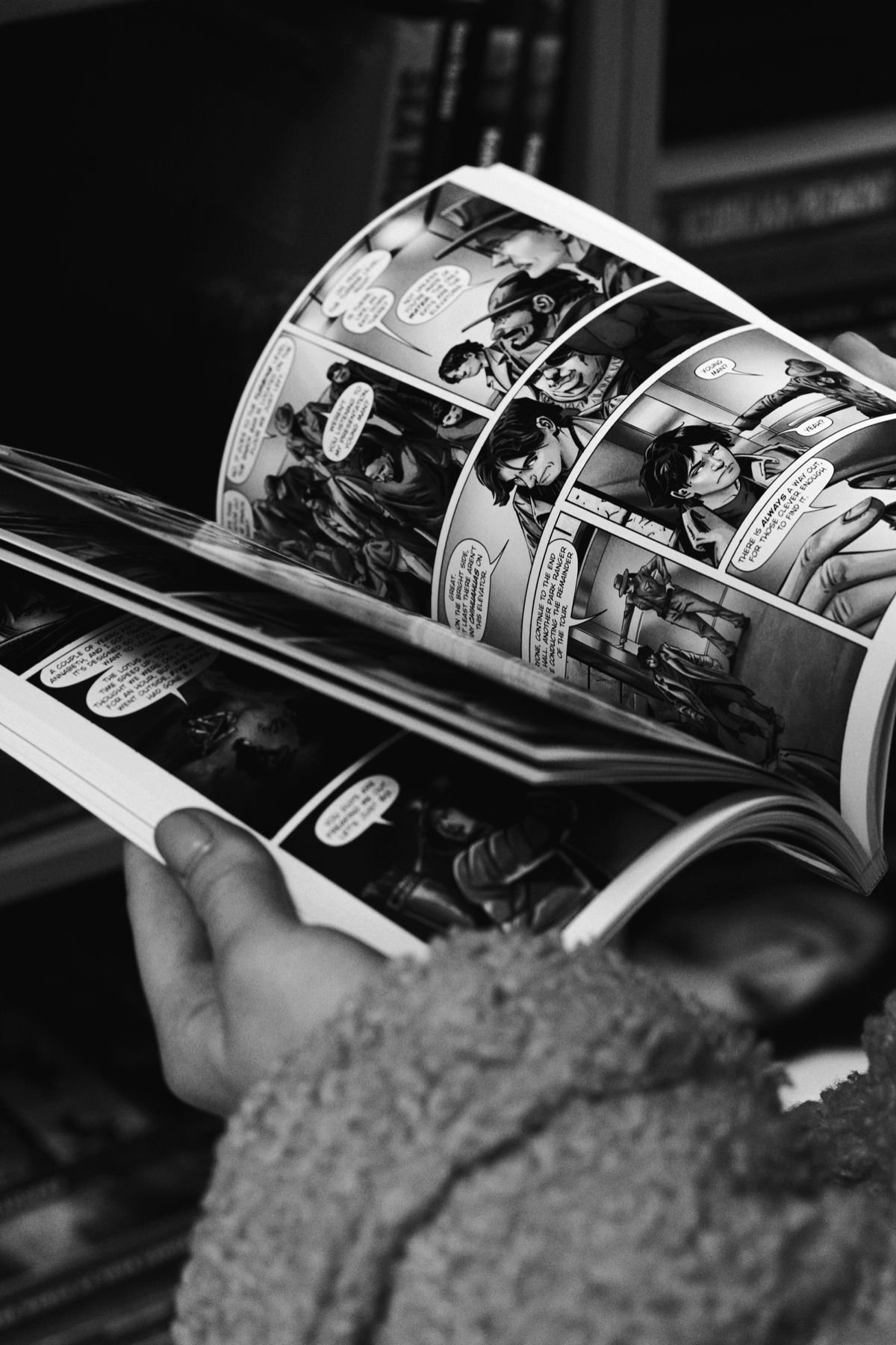
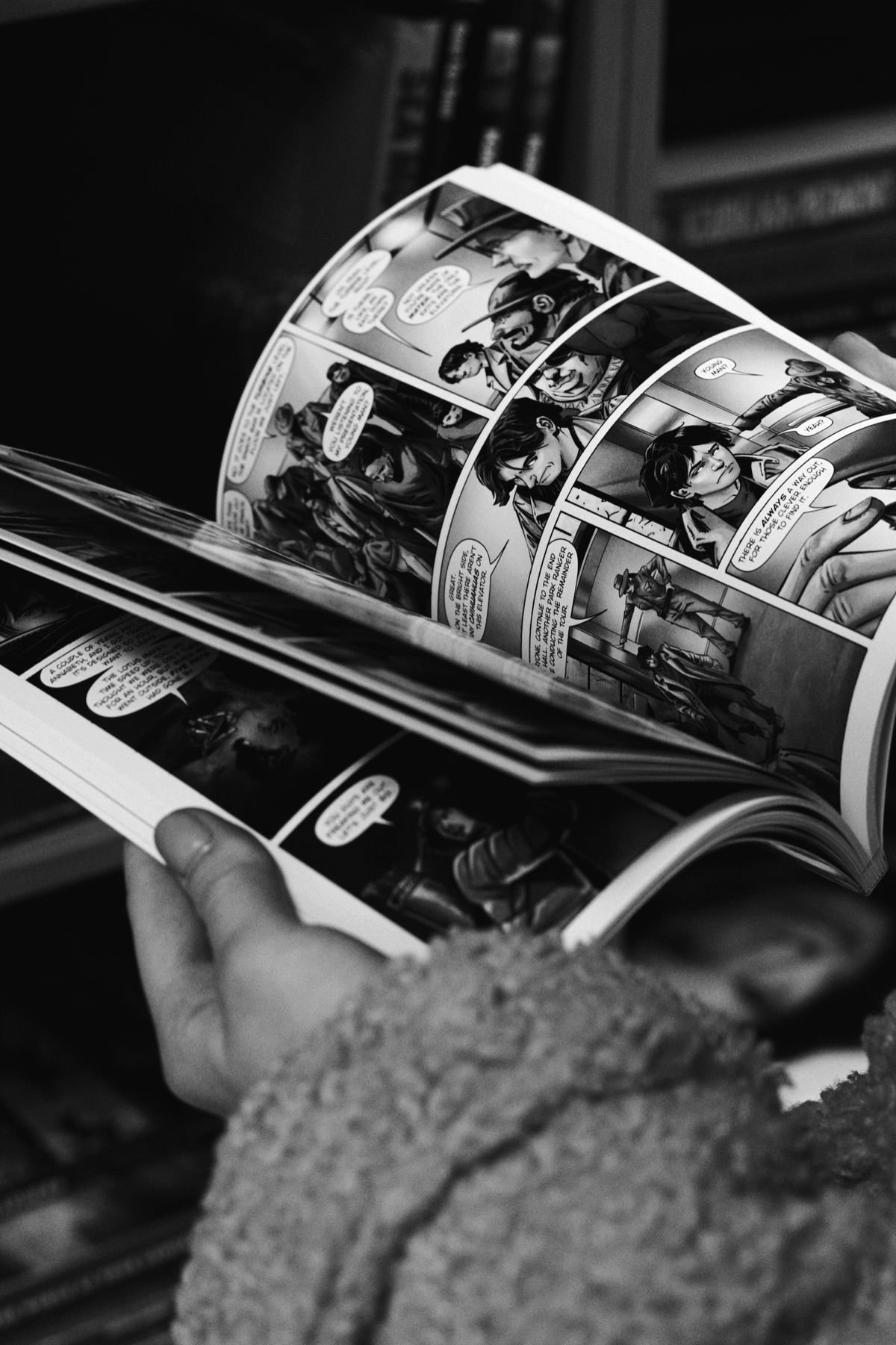
The Crunchyroll Manga app is Crunchyroll’s dedicated digital manga reader. Its single job is reading: browsing series, opening chapters, keeping your place, and storing chapters for later. The main Crunchyroll app has a single job too — streaming anime.
There are practical reasons for the split. Manga pages need a reader built around page turns, zooming, and comfortable long sessions, while a video app is built around players and streaming quality. A combined app would have to do both jobs in one download, and both halves would likely feel compromised.
What the split does not mean is a second, unrelated subscription — the Crunchyroll Manga app stays tied to your Crunchyroll account. Access is tied to your Crunchyroll account and plan. If your plan includes manga, or you have added it to your plan, you sign in with that same account and start reading — no separate manga-only membership, no second set of account details. Think of it as two front doors into the same house, opened by the same key. It is also not a store for buying volumes to own: it is a subscription library, and while your qualifying plan or add-on is active, you read from the licensed catalog in your region.
Which Plans Include It?
Crunchyroll sells three premium tiers — Fan, Mega Fan, and Ultimate Fan — and Crunchyroll Manga app access works differently on each. Assuming your plan includes manga when it does not is the most common reason the app seems to “not work” on first launch.
Ultimate Fan is the tier where manga is simply included. If you are on it, the manga app is part of what you already pay for — no extra purchase, no add-on to enable. Download the separate app, sign in, and read. For heavy users who chose the top tier for streaming, manga is effectively a bonus library they may not realise they already have.
Fan and Mega Fan work differently. On these tiers, manga is not included by default, but it is available as a paid add-on. You keep your existing plan exactly as it is and pay a modest monthly extra to unlock the app. That structure is reader-friendly: instead of forcing everyone up to the most expensive tier just to read, you stay on the tier that suits your watching and bolt reading on top — and you can always upgrade later.
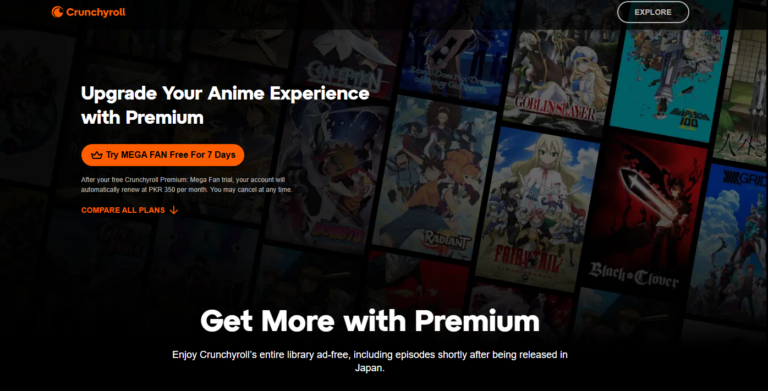
One point deserves emphasis, because older guides still get it wrong: manga in the Crunchyroll Manga app is a premium product, behind the paid tiers and the paid add-on. There is no free manga tier, so without a qualifying plan or add-on, expect the app to prompt you toward subscribing rather than offer a free library.
Not sure which tier you are on? Check your account settings first — it takes a minute, and most “the app won’t let me read” problems turn out to be a Fan plan without the add-on. For a full side-by-side of the tiers, our Crunchyroll plans explained guide breaks each one down.
What It Costs: Full Pricing Breakdown
Here is the current 2026 picture. The headline number is the Ultimate Fan price: $17.99/month. That reflects a price increase in February 2026, so older pages and videos quoting $15.99 for Ultimate Fan are working from pre-increase information. Budget with $17.99, because that is the price that applies now.
For Fan and Mega Fan subscribers, the Crunchyroll Manga app add-on costs $4/month or $3.50/month depending on your tier. Either way, it is priced like a coffee, not a second subscription — a regular reader recovers the cost by reading a handful of chapters they would otherwise have paid for elsewhere, or gone without.
| Plan | Manga included or add-on | Add-on price | Notes |
|---|---|---|---|
| Fan | Paid add-on | $4/month or $3.50/month depending on tier | Keep your Fan plan and add manga on top; no need to change tiers just to read. |
| Mega Fan | Paid add-on | $4/month or $3.50/month depending on tier | Same add-on model as Fan, priced by tier; a small monthly extra unlocks the reading app. |
| Ultimate Fan | Included | No add-on needed | $17.99/month after the February 2026 price increase; manga access is part of the plan. |
How do you choose between the Crunchyroll Manga app add-on and upgrading to Ultimate Fan? Work backwards from your habits, not the price list. If your watching is light and reading is your main hobby, a lower tier plus the add-on keeps your total cost down with the complete reading experience. If you watch a lot, share the account with family who watch, and read regularly, the gap to the all-in Ultimate Fan price narrows quickly — and the simplicity of everything being included has real value. Judge it across a normal month, not a motivated first week.
Regional availability also expanded recently. The service began in North America, and on October 8, 2026 it expanded to 11 more markets, including the UK, Ireland, Australia, New Zealand, and India. If you checked a while ago and found manga unavailable where you live, check again.
Read next: Crunchyroll Plans Explained
How to Download and Set Up the App
Setup is a five-minute job, and most of that is the download itself. Follow these steps in order:
Step 1: Confirm your plan first. Check your account and confirm whether you are on Ultimate Fan, or on Fan or Mega Fan with the manga add-on active. If you need the add-on, add it first — then the app works the moment you sign in, instead of greeting you with an upgrade prompt.
Step 2: Download the separate manga app. Search your device’s app store for the Crunchyroll Manga app by name. Be deliberate: you want the dedicated manga app, not the main streaming app you already have. The two will sit side by side on your home screen, which is normal.
Step 3: Sign in with your existing account. Use the same email and password you use for streaming. Do not create a fresh account inside the manga app — a new account has no plan or add-on attached, and that mistake accounts for most “my subscription isn’t recognised” complaints.
Step 4: Find a series and open a chapter. On first sign-in the app presents the catalog available in your region. Browse, or search for a title you know, and open a chapter to confirm everything works. If pages load and turn smoothly, setup is done.
Step 5: Download a few chapters now. While you are on a good connection, download some chapters of whatever you are starting. Offline reading is covered below, but form the habit during setup: a small buffer makes the app useful on your next journey or dead-signal moment.
If something goes wrong, check the boring causes first: wrong account, wrong app, or a plan without manga access. Those three explain most setup problems, and all are fixable in minutes.
Supported Devices
The Crunchyroll Manga app is a mobile app. Reading happens in the app on your phone or tablet, where the experience is designed to live. That suits the format: pages fill a held screen naturally, page turns are a thumb swipe, and the device you read on is already in your pocket.
A phone is the everyday option, and for most series it works beautifully. Modern screens are sharp enough that artwork and lettering hold up well, and zooming into a dense panel handles moments where a smaller screen feels tight. A tablet is the comfort upgrade: pages feel closer to a physical volume, spreads breathe properly, and long sessions are easier on the eyes. Many readers use both — phone on the go, tablet at home — on the same account.
What you should not expect is the living-room experience the streaming side offers. Manga is not a big-TV activity in this ecosystem, and the app is built for the devices people actually read on. That is a reasonable trade: if you read like most people — in bed, on a commute, in spare ten-minute pockets — the mobile app fits your life exactly as it is.
Practically: install the Crunchyroll Manga app on the device you read on most, sign in once, and keep it updated. Because access follows your account rather than a device, switching phones later is painless — install, sign in, and your access is there again.
How to Start Reading
Opening the app for the first time presents the full catalog, which is exciting and slightly paralysing. A little structure for your first session makes the difference between an app you keep returning to and one that slides off your home screen.
Start from what you already love: the manga behind an anime you have watched or are watching now. Reading the source material is a different pleasure — scenes the adaptation trimmed are still there, inner thoughts are written out, and the story continues past wherever the anime season stopped. It also solves the choice problem: you already know you like this world.
When you open a series, start at chapter one unless you are deliberately picking up where an anime left off, and let the reader’s default settings carry your first chapter. You can adjust reading direction and page display later; most manga reads right to left in the traditional style, and if that feels strange at first, give it a chapter — the habit forms faster than people expect.
Build a small reading list as you browse rather than relying on memory. Three or four saved series is the sweet spot: enough variety that something always matches your mood, few enough that none gathers dust. Readers who open twenty series in week one usually finish none of them; readers who keep a short, rotating list develop an actual habit.
Finally, keep sessions realistic. A chapter or two in a spare moment is a complete, satisfying unit of reading — you do not need an hour free for the app to be worth opening. That low barrier is why the service earns its keep through dozens of small sessions rather than occasional marathons.
Offline Reading and Downloads
Offline reading is where the manga app quietly becomes indispensable. Inside the app, you can download chapters and read them later with no connection at all. Chapters are quick to download and take modest space compared with video, yet a handful can fill hours of reading.
The use cases stack up fast. Commutes through dead zones stop interrupting your reading. Flights become prime catching-up time. Travellers avoid chewing through mobile data or hunting for Wi-Fi in a new city. And at home, downloaded chapters open instantly, whatever your connection is doing.
Making it work is a habit, not a technical challenge. Download on a good connection — ideally at home, before you leave — and keep a sensible buffer: the chapters you expect to read before you are back on a reliable connection, plus one or two extra for delays. Periodically clear out finished chapters so storage stays healthy.
One expectation to set correctly: downloads live inside the manga app, for reading in the app. They are part of your subscription access, not files you export or keep independently of your plan. That is standard for subscription reading services and makes no practical difference — what matters is that the story is there when the signal is not.
The Catalog and Simulpub Explained
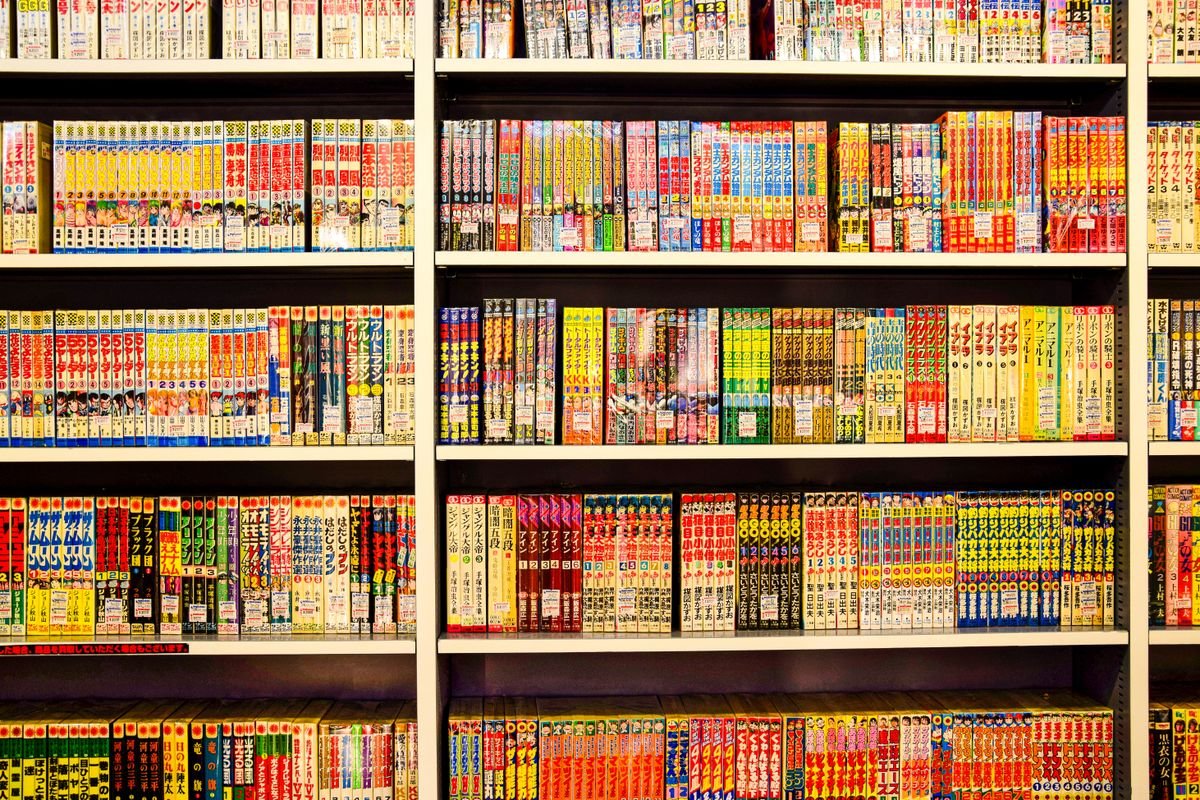
A Crunchyroll Manga app subscription lives or dies on its catalog, so it is worth describing Crunchyroll’s accurately. The catalog is built from manga licensed through Crunchyroll’s manga publishing partners — major manga publishers whose series anchor the medium — and spans the genres a Crunchyroll audience would expect: action, romance, comedy, fantasy, drama, and more.
Deliberately, this guide will not reel off a specific title list or quote chapter counts. Catalogs rotate as licenses are agreed, and any fixed list printed here would quietly become wrong. The honest way to judge the catalog is to open the app and browse what is available in your region today.
Regional differences are part of the picture. Licensing is negotiated territory by territory, which is why the rollout happened in stages: the service began in North America and then, on October 8, 2026, expanded to 11 more markets including the UK, Ireland, Australia, New Zealand, and India. Two readers in different countries may not see identical shelves — normal for licensed digital manga everywhere.
The concept that most excites regular readers is simulpub — simultaneous publication. New chapters are released digitally in English at the same time as, or very close to, their original Japanese release. Instead of waiting months for a collected volume, you follow a series as it unfolds, alongside readers in Japan — discussion, theories, and cliffhangers all in real time, through official channels.
Not every series is a simulpub title; older series sit as back catalog to read at your own pace, which many readers prefer for the deep binge. View the catalog as both pleasures combined: a back library for discovery, plus current series to follow as they publish.
Is It Worth It?
Whether the Crunchyroll Manga app is worth it is personal, but it is not mysterious — it comes down to how much you read and what you would do instead. Reading separately typically means buying volumes, juggling other reading services or apps, and keeping track of what lives where. Each route can be good: buying volumes builds a collection you own, which a subscription never gives you, and a manga-only service may suit someone who reads constantly and never watches anime. The Crunchyroll Manga app’s case rests on convenience and consolidation for people already in Crunchyroll’s ecosystem.
That case is strongest if you already pay for Crunchyroll, because manga then arrives included in Ultimate Fan or for a small add-on on Fan and Mega Fan. It is strong if you read across several series rather than collecting one, because a library rewards breadth in a way per-volume buying never does. And it is strong if you value simulpub timing, reading new chapters as they publish instead of waiting and dodging spoilers.
The case is weaker if you read one short series a year — an ongoing add-on is poor value no matter how small — or if owning a permanent collection matters to you, because a subscription library is, honestly, renting. And if you do not watch anime at all, paying into a streaming-led bundle to reach manga makes little sense next to reading-focused options. These are not failures of the app, just mismatches between product and reader.
A practical test settles it: give yourself one normal month. On Ultimate Fan, use what is already included and see whether the app earns a place in your routine. If you need the add-on, weigh its small cost against your actual first month — chapters finished, series followed, offline sessions used. Readers who open it several times a week will not need a spreadsheet to know it paid for itself.
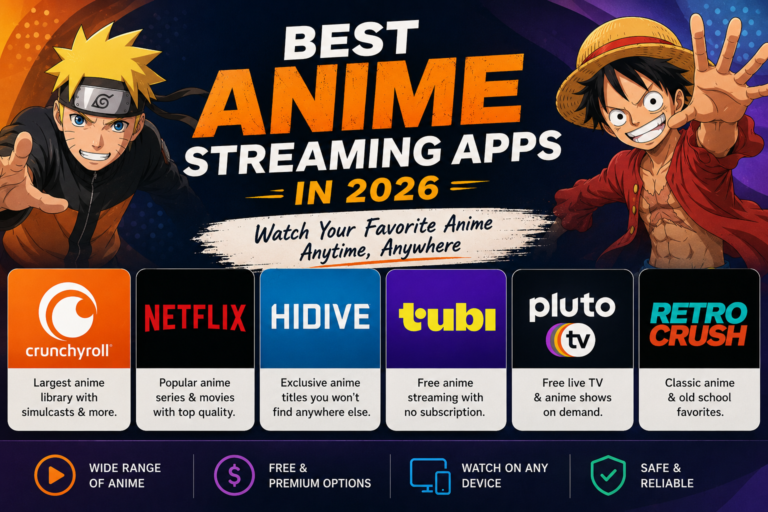
For context on how Crunchyroll compares as a streaming service overall, see our roundup of the best legal anime streaming apps, which places it alongside the other legitimate options.
Read next: Best Legal Anime Streaming Apps
Tips for Getting the Most From It
Match the Crunchyroll Manga app plan to your real habits. Revisit the add-on-versus-upgrade decision after a month of reading, not before. Let actual behaviour, not launch-day enthusiasm, set the tier.
Download ahead, always. Make the offline buffer part of leaving the house, like taking your keys. A standing set of downloaded chapters means travel days and dead zones never touch your reading.
Check the catalog in the app, not in old articles. Licensing changes, regions expand — as they did on October 8, 2026 — and new chapters land continuously. The live catalog is the only source never out of date.

Frequently Asked Questions
Is the Crunchyroll Manga app the same as the Crunchyroll anime app?
No. The Crunchyroll Manga app is a separate app dedicated to reading, distinct from the main Crunchyroll app used for streaming anime. You download it separately, but you sign in with the same Crunchyroll account, and your plan or add-on determines your reading access.
Which Crunchyroll plans include the manga app?
The Crunchyroll Manga app is included with the Ultimate Fan plan, which costs $17.99/month after the February 2026 price increase. Fan and Mega Fan subscribers do not get it included by default, but they can add manga to their existing plan as a paid add-on without changing tiers.
How much does the manga add-on cost on Fan and Mega Fan?
The add-on costs $4/month or $3.50/month depending on your tier. It is billed as part of your Crunchyroll subscription, so you keep one account and one payment arrangement while unlocking full access to the separate manga reading app.
Can I read manga offline in the Crunchyroll Manga app?
Yes. You can download chapters inside the manga app while you have a connection and read them later entirely offline, which is ideal for commutes, flights, and areas with poor signal. Downloads are read within the app as part of your subscription access.
Where is the Crunchyroll Manga app available?
The service began in North America and expanded on October 8, 2026 to 11 more markets, including the UK, Ireland, Australia, New Zealand, and India. Availability and the exact catalog vary by region because licensing is agreed territory by territory, so check the app in your country.
What does simulpub mean on Crunchyroll Manga?
Simulpub means chapters are published digitally in English at the same time as, or very close to, their original Japanese release. Instead of waiting for a much later collected release, you follow participating series as they come out, reading officially from the start.
I signed in but cannot read anything. What is wrong?
The usual causes are the wrong account, opening the main streaming app instead of the separate manga app, or a Fan or Mega Fan plan without the add-on active. Confirm your plan in your account settings first — that check resolves most access problems.
Conclusion
The Crunchyroll Manga app makes sense once you see it for what it is: a dedicated reading app attached to the subscription you already have. It is included with Ultimate Fan at $17.99/month, added for $4/month or $3.50/month on Fan and Mega Fan, and set up in minutes with your existing account. Add simulpub chapters, offline downloads, and a catalog that reached 11 more markets on October 8, 2026, and regular readers get a lot of library for very little extra. Check your plan, download the separate app, and start with the manga behind your favourite anime.


One Comment